Accessibility and quality
Choose WCAG 2.0, 2.1 or 2.2 at A, AA or AAA. Inspect supported patterns in names, labels, images, ARIA, structure and contrast, alongside link and web-standard checks.
NATIVE MAC APP / LOCAL WEBSITE AUDITING
Find accessibility barriers, broken links and website quality issues. Turn a sampled audit into clear evidence and a practical next step.
QUALITY / EVIDENCE / REVIEW
The native workspace brings automated findings, manual review, captured scope and reporting together. No cloud audit subscription, browser extension or third-party audit API key is required.
The full edition brings these tools together. The free demo focuses on audits of up to 25 pages; testing, Bug Finder and the interactive Test lab require the full edition.
Choose WCAG 2.0, 2.1 or 2.2 at A, AA or AAA. Inspect supported patterns in names, labels, images, ARIA, structure and contrast, alongside link and web-standard checks.
Inspect URLs, element selectors, observed HTML and screenshot evidence. Suggested fixes and code are starting points for author review.
Export executive PDF and HTML briefs, detailed PDF/HTML reports, JSON evidence and one-page PDF/JPG overviews. Scores, scope and unresolved checks stay distinct.
Save authored test cases, replay supported actions with explicit assertions, and record live-browser evidence when needed.
Bug Finder explores eligible links and supported controls, collecting observable errors. Use disposable test sites and accounts; automated exploration can have side effects.
Inspect supported repeat-load timing observations, compare audit runs, queue projects and resume eligible saved work. Unknown measurements stay unknown.
INSIDE AAAUDITS PRO
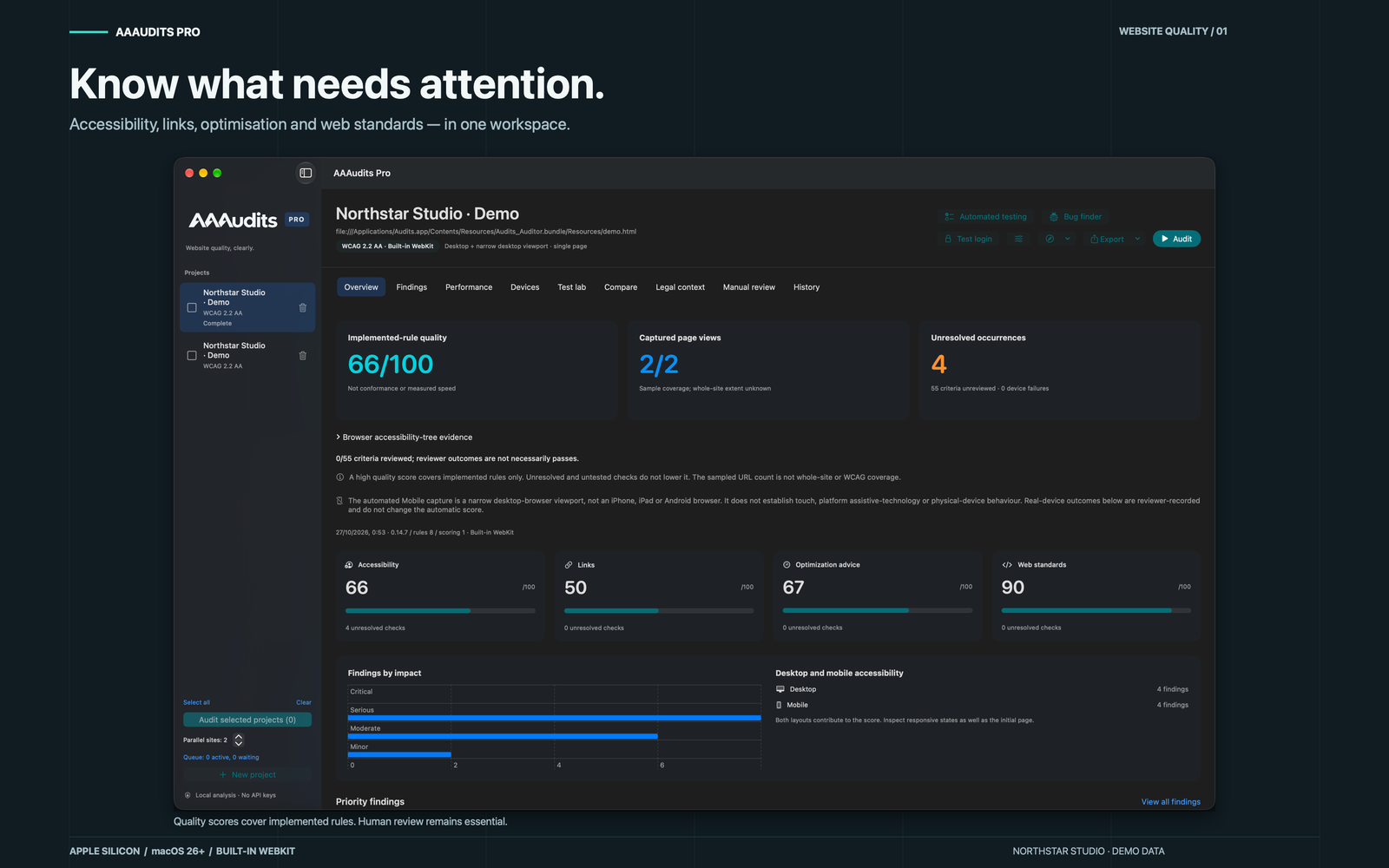
These captures use the bundled fictional Northstar Studio demo. Its deliberately imperfect content demonstrates findings; the numbers are example results, not promises about your website.
Quality scores, captured page views and unresolved checks remain visible together.
View full size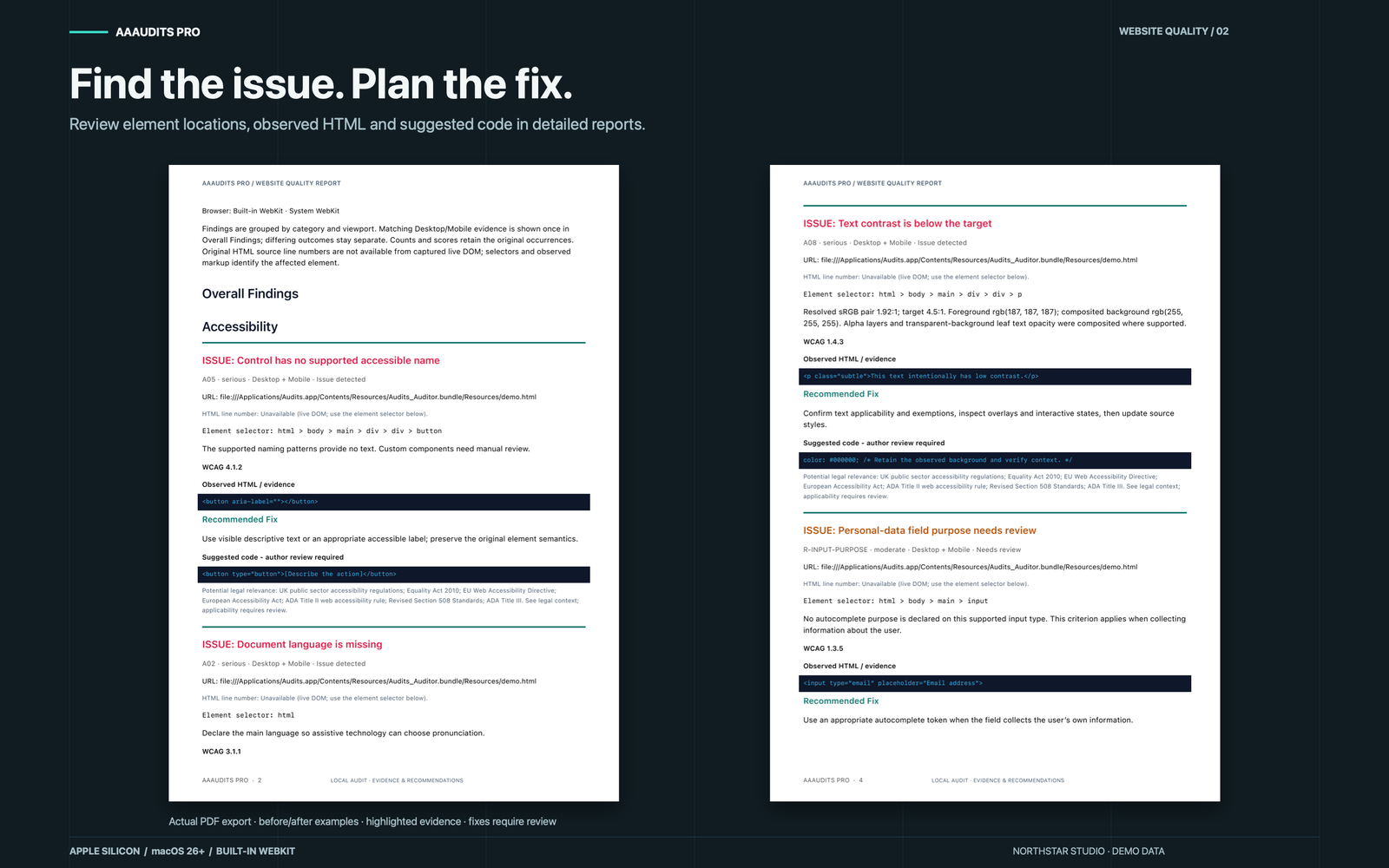
Detailed reports connect each issue to its element selector, observed HTML and reviewable suggested code.
View full size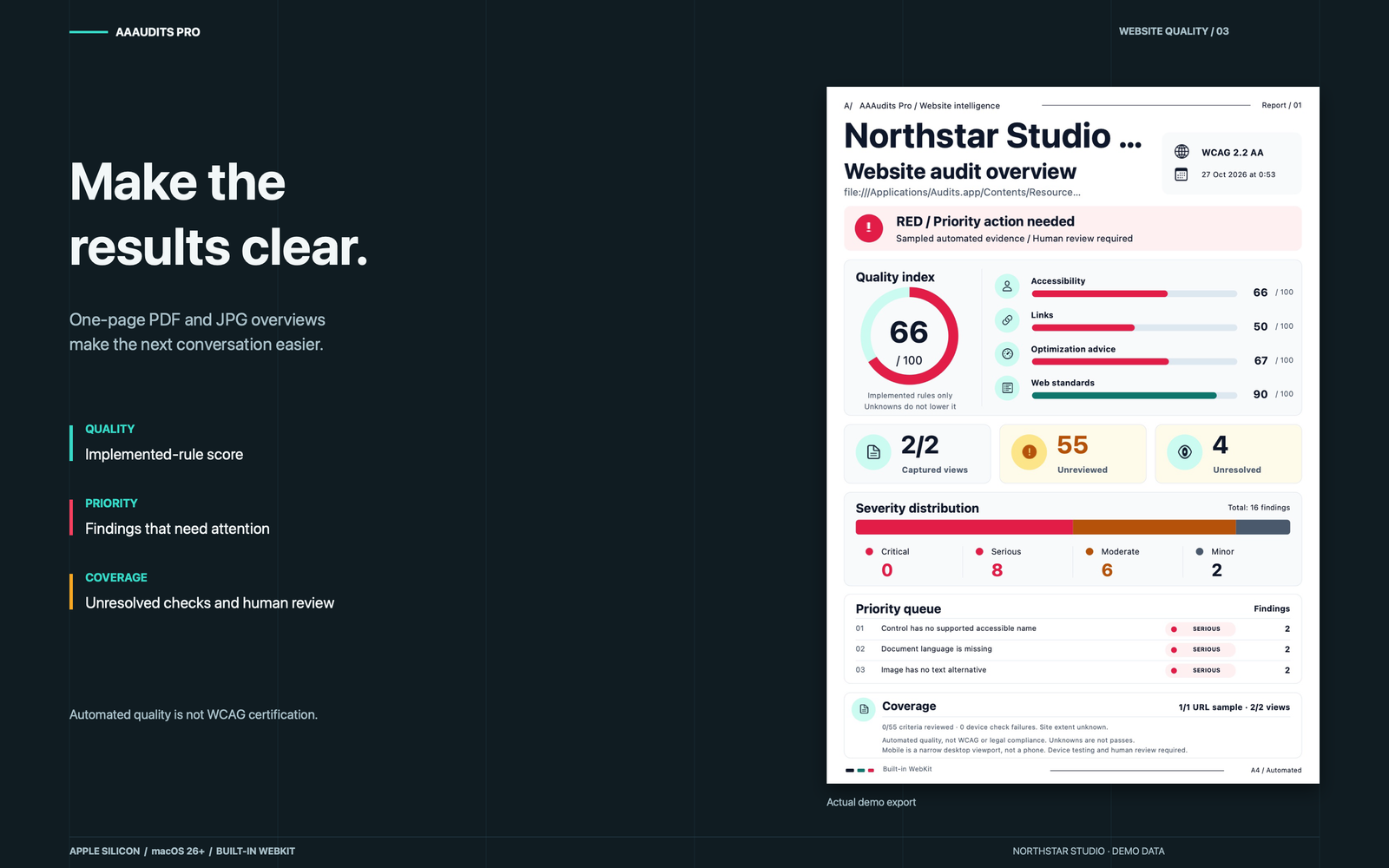
One-page PDF and JPG overviews make priorities, sampled coverage and outstanding human review easier to discuss.
View full size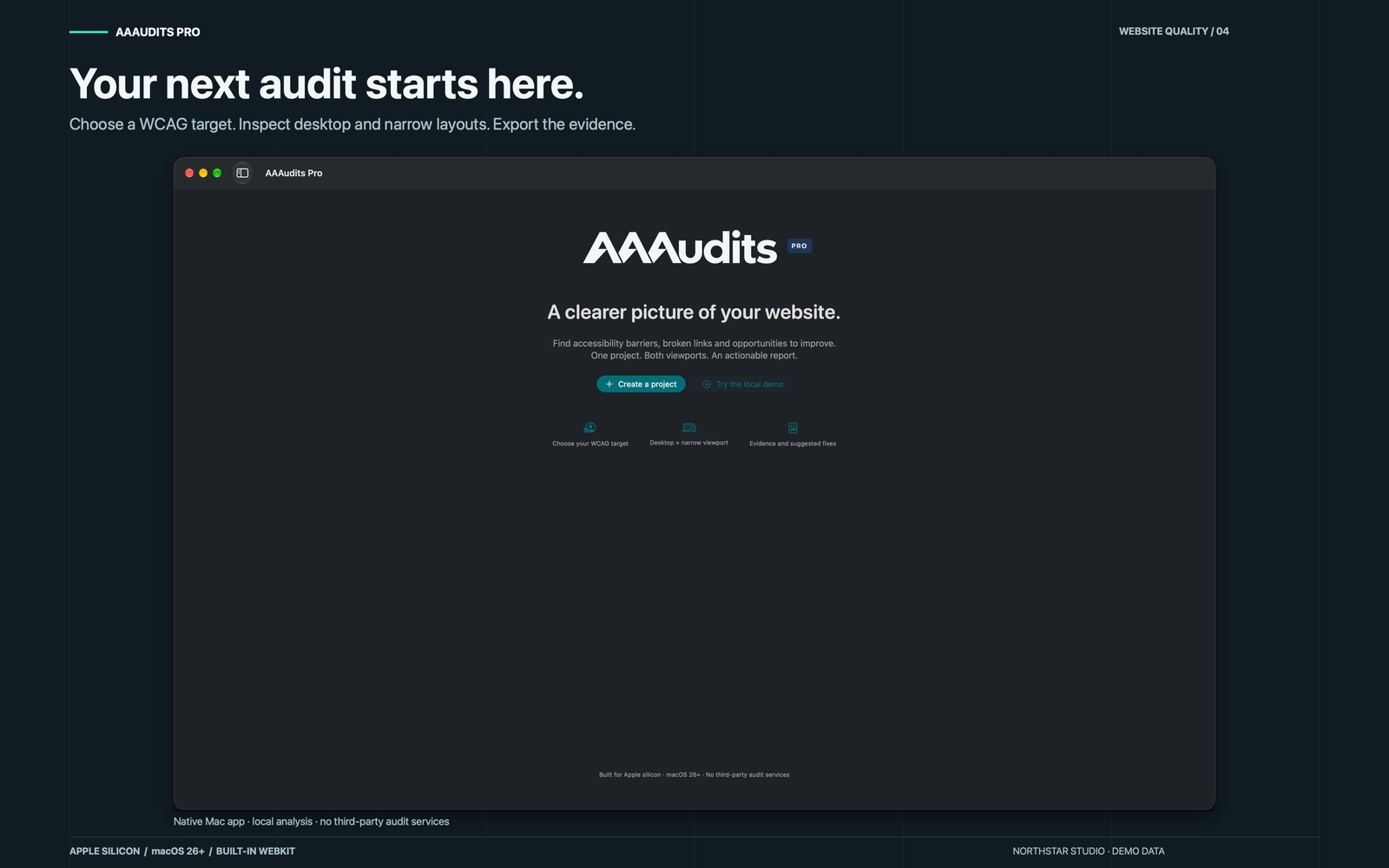
Start with the bundled demo or create a project, choose a WCAG target, and review both desktop and narrow layouts.
View full sizeA CONSIDERED WORKFLOW
Choose the website, target and page sample, or try the bundled local demo.
Review desktop and narrow WebKit views, with issues, measurements and review prompts kept distinct.
Check the source evidence, record manual outcomes and share the report that fits your audience.
Your projects and evidence are stored on your Mac. Auditing a live site still makes requests to that site and its resources. You choose whether to export or share results.
Read the privacy policyAutomated quality is not WCAG certification or a legal-compliance percentage. Unresolved checks are not passes. Narrow desktop views are not physical-device tests, and local performance samples are not a complete Core Web Vitals assessment. INP is not measured.
The free demo is available now. The paid full Mac App Store release is currently in review and uses built-in WebKit. It does not automate separately installed browsers.
Compare editions and downloadFREE DEMO / MAC DOWNLOAD
A free, limited-use edition for quick accessibility checks, freelance developers and small agencies. Audit up to 25 unique pages from one website per audit; desktop and narrow layouts share that allowance. You can start another audit for a different website.
Automated testing, Bug Finder and the interactive Test lab are disabled in the demo. Automated findings support your review; they do not certify accessibility.
Download the free demo .dmgDemo 1.0.0 · 4.9 MB · Apple silicon · macOS 26 or later.
Support me as an independent developer by purchasing the full release from the Mac App Store when it becomes available. It supports up to 100 pages per audit, automated testing, Bug Finder and the interactive Test lab, using built-in WebKit.
The full Mac App Store edition is currently in review. A purchase link will be added once Apple makes it available.
The app is Developer ID signed and accepted by macOS Gatekeeper as notarised.
Download SHA-256 checksumFind setup help, troubleshooting and a direct way to contact the developer.